Why Two-Monitor Days Hurt Your Neck More Than One-Monitor Days
Quick Answer: Two monitors trade one problem for another. You stop squinting at a cramped single screen and start rotating your neck several hundred times a day toward the secondary display. The fix is not going back to one screen — it is putting the screen you use most directly in front of you, angling the second one inward, and treating the pair as one curved surface rather than two flat ones.
You upgraded the setup and the neck got worse. That seems backwards.
It is not. You solved the eyes and created a rotation problem nobody warned you about.
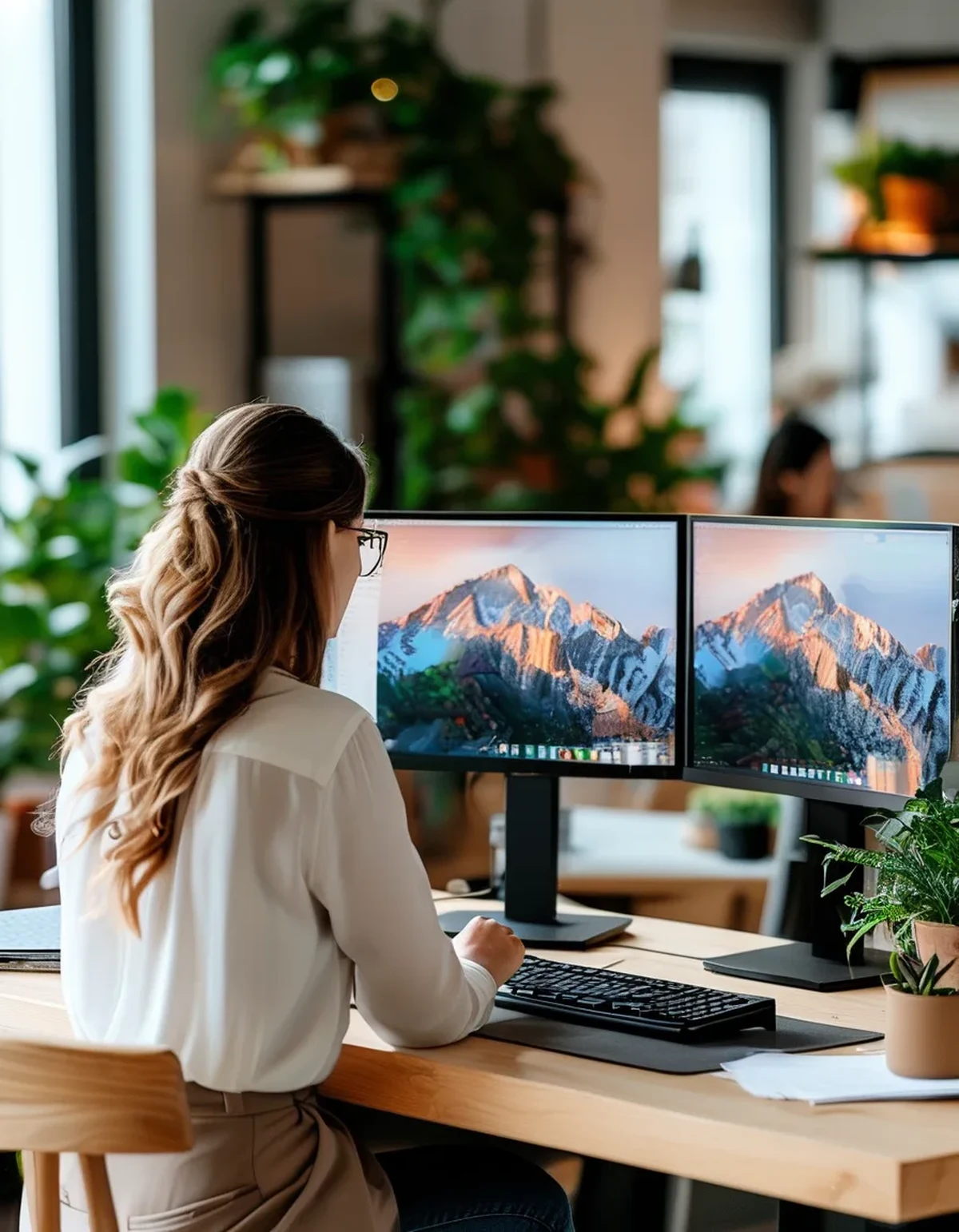
What actually changes with a second screen?
Three things:
Rotation frequency. A person switching between a document and a reference on two screens will turn their head a few hundred times over a workday. On one screen those switches happen with eye movement alone, which costs almost nothing.
Asymmetric loading. Almost everyone turns predominantly one way — toward whichever screen holds the secondary content. That means one side of the neck does the work all day, and asymmetric loads are tolerated far worse than symmetric ones.
Sustained rotation, not just repeated. The bad version is not the turn itself, it is reading for four minutes with your head at 25 degrees. Static rotation under load is harder on the neck than any amount of movement.
The third one is the real culprit. Turning your head is fine. Living there is not.
What is the correct dual monitor layout?
Depends on how you use them, and the split is clean:
If one screen is clearly primary (you use it 70%+ of the time): Put that screen directly in front of you, centred on your nose. Put the second at a slight angle to one side, turned inward so it faces you. This is the right answer for most people and it is not what most people do.
If you genuinely use both equally: Centre the seam between them on your body and angle both inward to form a shallow V. Now your two working positions are symmetric — you rotate left as much as right, which halves the asymmetric load.
What you should not do is the default arrangement: laptop centred, external monitor off to the right, primary work happening on the external. That is a full-time rotation with the body facing the wrong way, and it is the single most common desk setup in existence.
Why does angling the screens matter so much?
Because a flat screen off to your side is not just rotated, it is also at an oblique viewing angle, which reduces contrast and legibility. So you lean in as well as turning. Now you have rotation plus forward flexion, which is the combination that produces the specific one-sided ache people describe.
Angling the secondary screen inward — so its surface is roughly perpendicular to your line of sight when you look at it — removes the lean. You still rotate, but you do not add flexion on top.
The target is simple: from your seated position, each screen should look like a rectangle, not a trapezoid. If the far edge looks smaller than the near edge, the screen needs to turn toward you. It takes ten seconds and most people have never done it.
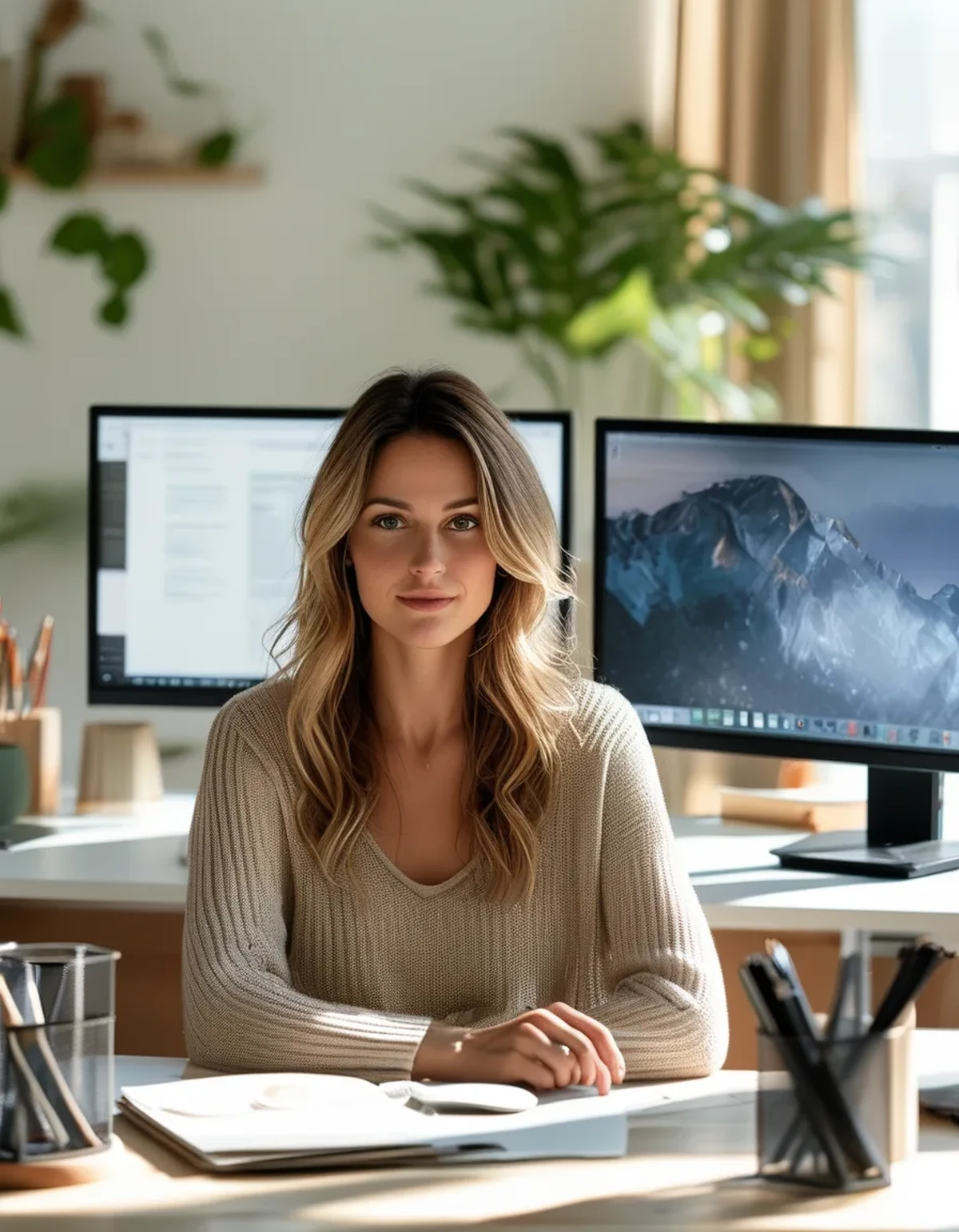
Myth vs Fact: Dual Monitors and Neck Pain
Myth: An ultrawide monitor solves it. Fact: It solves the bezel and the angle, and it keeps the rotation if you are working at the far edge. Ultrawides are better because they are curved and continuous, not because they eliminate head movement. Sit further back with one and it genuinely helps.
Myth: Stacking monitors vertically is worse. Fact: For a specific use case — a reference screen you glance at occasionally above a working screen — vertical stacking is often better than side by side, because looking up briefly is cheaper than sustained rotation. The catch is that the top screen must be for glancing, not working, or you get sustained extension instead.
Myth: The laptop should go in the middle because it has the camera. Fact: Camera position matters for perhaps 90 minutes of a video call day and screen position matters for eight hours. Put the screen you work on in the centre and move the laptop for calls, or use an external webcam.
Myth: If your chair and desk height are right, monitor placement is a detail. Fact: For dual-screen users it is the largest remaining variable. Height fixes flexion. Placement fixes rotation. Both have to be right, and only one of them gets talked about.
What can you change today?
Five minutes, in this order:
- Identify your primary screen honestly. Not the bigger one — the one your eyes are on most.
- Centre it on your body. Move the desk objects if you have to. This is the whole intervention.
- Angle the secondary inward until it reads as a rectangle rather than a trapezoid.
- Match the heights. Different screen heights add a tilt to every rotation. Books under one is a perfectly good solution.
- Push both back slightly. Greater viewing distance reduces the rotation angle needed to see the second screen. Even four inches helps.
If your neck already hurts, add one more: swap which side the secondary screen is on for a week. It feels odd for two days and it redistributes a load that has been one-sided for months.
This is general information, not medical advice. Neck pain with numbness, tingling, or arm weakness needs a professional assessment rather than a desk rearrangement.
FAQ: Dual Monitor Questions, Answered
How many degrees of rotation is acceptable?
There is no hard threshold, but as a working rule keep sustained viewing within about 30 degrees of centre. Beyond that, most people start recruiting the trunk or leaning, and that is the point where a glance becomes a posture.
Should I turn my chair instead of my head?
Yes, when you are moving to the second screen for more than a minute or two. Rotating the whole body from the chair keeps the neck neutral. Most people will not do this consistently, which is why layout matters more than technique.
Is a monitor arm worth it for this?
For dual setups, more than for single ones. Arms make the angling and height matching trivially adjustable, and the ability to reposition without a rebuild means you will actually experiment until it is right. It is the accessory with the best return in a two-screen setup.
TL;DR:
- Two screens remove eye strain and add several hundred neck rotations a day, most of them to one side.
- The damage comes from sustained rotation while reading, not from the turn itself.
- Centre your primary screen on your body and angle the secondary inward until it reads as a rectangle.
- Match screen heights and push both back — distance reduces the angle you have to turn.
Check which screen is actually in front of you right now. For most dual-monitor users the answer is the wrong one.
Keep Reading
This article is for general informational purposes only and is not medical advice. Always consult a qualified health professional for guidance specific to you.