How to Set Up Your Desk So Tech Neck Doesn't Start in the First Place
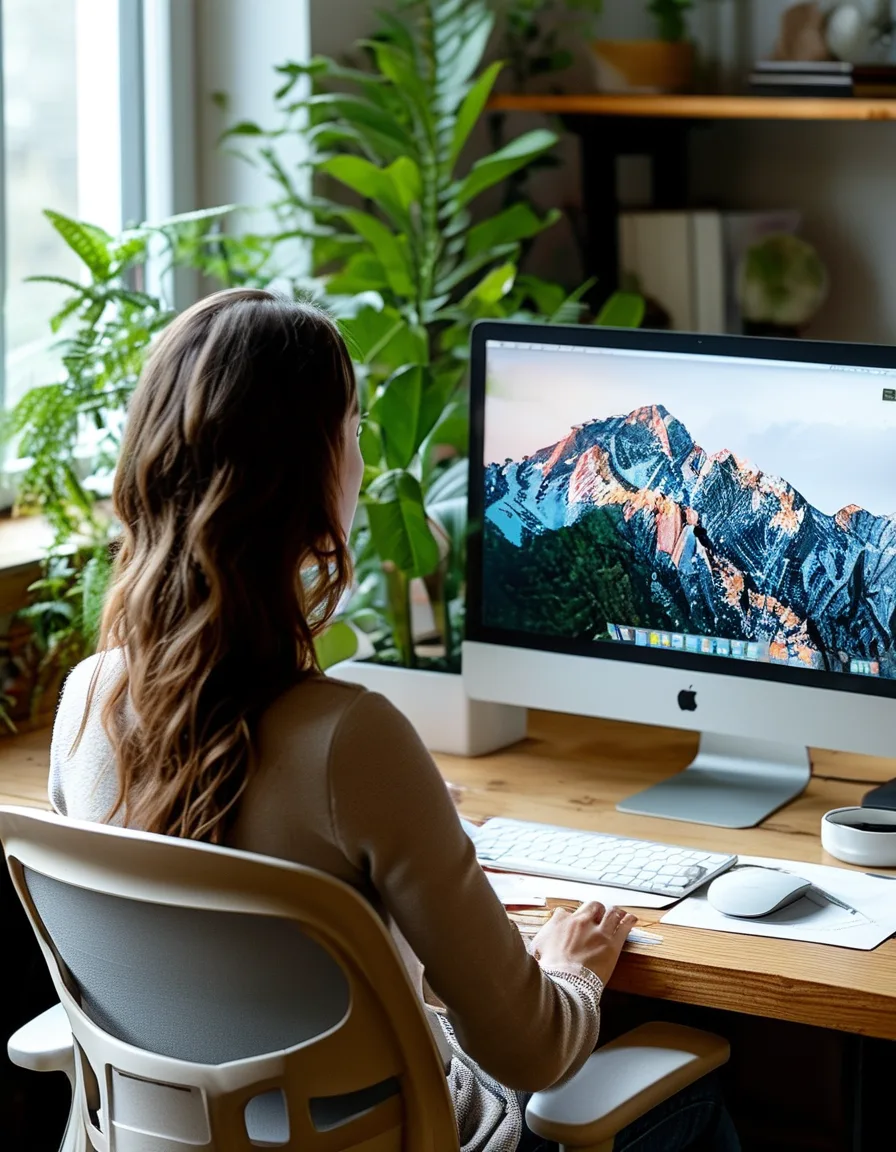
Quick Answer: The single highest-impact fix is raising your monitor so the top third of the screen sits at or just below eye level, which keeps the neck in a neutral position instead of tilted forward and down. Combine that with a chair that supports an upright torso and a keyboard positioned so elbows stay near a 90-degree angle, and most desk-related tech neck strain is preventable before it starts.
Most tech neck advice is reactive — stretches and exercises after pain shows up. Desk setup is the actual upstream fix, and it’s often a five-minute adjustment rather than an ongoing pain-management routine.
Why does monitor height matter this much specifically?
The human head weighs roughly 10-12 pounds in neutral position, but the effective load on neck muscles increases dramatically with forward tilt — some estimates put a 45-60 degree forward tilt (common when looking down at a low laptop screen) at an effective load of 40+ pounds on the neck and upper back. This is the core mechanism behind tech neck, and monitor height is the most direct lever for controlling that tilt angle.
A monitor with its top third at eye level keeps the head in a much closer-to-neutral position throughout the workday, dramatically reducing that sustained load compared to looking down at a laptop or low screen for hours.
Is a laptop alone basically incompatible with good neck positioning?
Largely, yes, for extended use — a laptop’s built-in screen height and keyboard are fixed relative to each other, which means positioning the screen at eye level (raising the laptop on a stand) puts the built-in keyboard far too high to type comfortably, and positioning the keyboard at a comfortable height puts the screen too low.
This is why an external keyboard and mouse paired with a raised laptop (on a stand or stack of books) is the standard fix — it decouples screen height from keyboard height, letting you set each independently rather than accepting the laptop’s built-in compromise for extended desk use.

What role does chair and torso support play beyond monitor height?
A chair that supports an upright torso (proper lumbar support, seat height that keeps hips slightly above knees) prevents the slumped posture that drags the head forward even when the monitor is correctly positioned. Monitor height alone doesn’t fully solve tech neck if the torso itself is collapsing forward in the chair — the neck often tilts to compensate for a slumped spine regardless of where the screen sits.
This is why ergonomic guidance treats chair, monitor, and keyboard as a connected system rather than independent fixes — correcting one without the others often means the body finds a new way to compensate that still stresses the neck.
Does keyboard and mouse position actually connect to neck strain?
Yes, indirectly but meaningfully — elbows positioned too far from the body or a keyboard too high or low forces shoulder elevation or forward reaching, which pulls the upper back and shoulders out of a neutral position that supports good neck alignment. A keyboard positioned so elbows rest near a natural 90-degree angle close to the body keeps the shoulders relaxed, which in turn makes it easier to maintain neutral neck position.
This is a secondary but real factor — even with a perfectly positioned monitor, a poorly positioned keyboard can reintroduce postural compensation that indirectly strains the neck over a full workday.
FAQ: Desk Setup for Tech Neck Prevention Questions, Answered
How high exactly should a monitor be for someone using bifocals or progressive lenses?
Slightly lower than the standard eye-level guidance is often more comfortable, since bifocal and progressive lens wearers naturally tilt their head down slightly to use the lower lens portion for screen distance — a slightly lower monitor position can reduce compensatory neck strain in this specific case.
Is a standing desk alone enough to prevent tech neck?
Not by itself — a standing desk with a poorly positioned monitor still causes the same forward-tilt strain; the monitor height principle applies whether sitting or standing, so a standing desk needs the same height adjustment consideration.
How often should I take breaks even with a good desk setup?
Even with ideal ergonomics, sustained static posture for hours has its own fatigue effect — a brief movement break every 30-45 minutes is still recommended on top of good desk setup, not as a replacement for it.
TL;DR:
- Monitor height (top third at or just below eye level) is the single highest-impact prevention fix
- Laptops alone force a screen/keyboard height compromise — add an external keyboard and stand
- Chair and torso support matter as much as monitor height for true neutral neck position
- Keyboard and elbow position indirectly affect neck strain through shoulder compensation
This is largely a one-time setup fix rather than an ongoing routine — the prevention is upstream of the pain most tech neck advice tries to treat after the fact.
Keep Reading
This article is for general informational purposes only and is not medical advice. Always consult a qualified health professional for guidance specific to you.