Why a Standing Desk Alone Doesn't Fix Tech Neck (And What Actually Does)
Quick Answer: A standing desk changes your body position but not automatically your head angle — if the monitor is still positioned too low or too close, you’ll hunch forward standing just as much as sitting, so monitor height and distance matter more than standing itself.
You finally invested in the standing desk everyone recommended for tech neck — and somehow you’re still craning forward exactly the same way, just upright now.

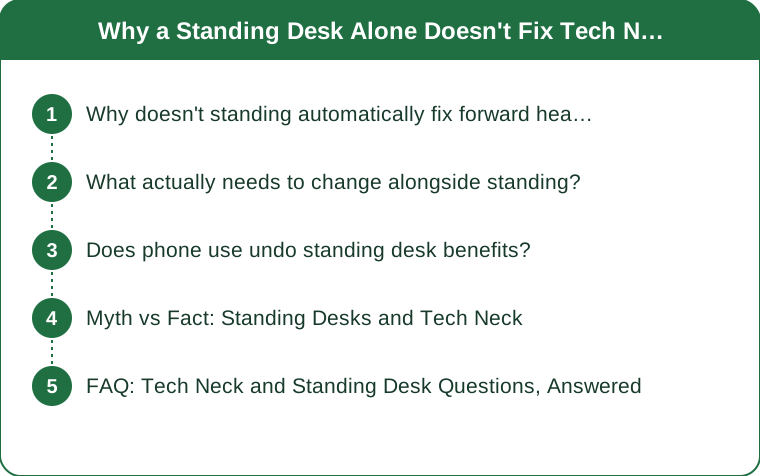
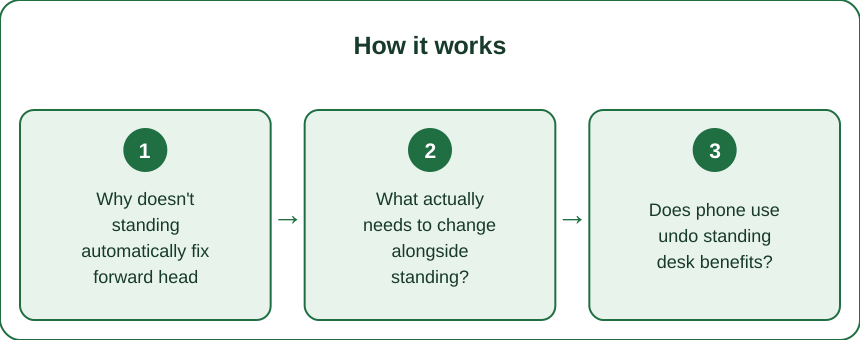
Why doesn’t standing automatically fix forward head posture?
Forward head posture is driven by where your eyes need to go to see the screen, not by whether you’re sitting or standing — if the monitor is below eye level or too close, your head will tilt and jut forward to compensate regardless of your standing position.
What actually needs to change alongside standing?
Monitor top should sit at or just below eye level, roughly arm’s length away — this is the single biggest lever, and it applies whether you’re sitting or standing. A standing desk only helps if you also raise the monitor when you raise the desk.

Does phone use undo standing desk benefits?
Largely, yes — the deep neck flexion from looking down at a phone is often worse than the tech-neck angle at a desk, so a great standing desk setup can be undermined by hours of phone scrolling elsewhere in the day.
Myth vs Fact: Standing Desks and Tech Neck
Myth: Standing automatically improves posture. Fact: Standing changes load distribution through your spine and hips but does nothing for head position unless your screen setup also changes. Myth: You need to stand all day for it to help. Fact: Alternating sitting and standing every 30-60 minutes, with correct screen height in both positions, is more effective than standing all day with a poor setup.
FAQ: Tech Neck and Standing Desk Questions, Answered
What’s the fastest way to check if my monitor height is correct?
Sit or stand naturally and close your eyes for a few seconds, then open them — your gaze should land at or near the top third of the screen without adjusting your neck.
Do laptop stands with external keyboards help?
Significantly — a raised laptop with a separate keyboard and mouse lets you fix screen height without sacrificing typing ergonomics, which a laptop alone can’t do.
How long before neck posture improves once the setup is fixed?
Many people notice reduced end-of-day neck tension within 1-2 weeks, though correcting an ingrained forward-head habit fully can take longer with awareness and light strengthening.
TL;DR:
- Standing alone doesn’t fix tech neck — monitor height and distance do
- Raise the screen when you raise the desk, not just your body
- Phone use can undo all the benefits of a good desk setup
- Alternating sit/stand with correct height beats standing all day incorrectly The standing desk was never the fix by itself — it’s the screen height change that actually matters, standing or sitting.
Keep Reading
This article is for general informational purposes only and is not medical advice. Always consult a qualified health professional for guidance specific to you.